

The Admin Panel is a dedicated section for group admins to manage and customize their Gamespace. Only admins have access to this panel, which provides a range of options to tailor the Guul experience to fit the needs of their community or team.
Key Functions of the Admin Panel
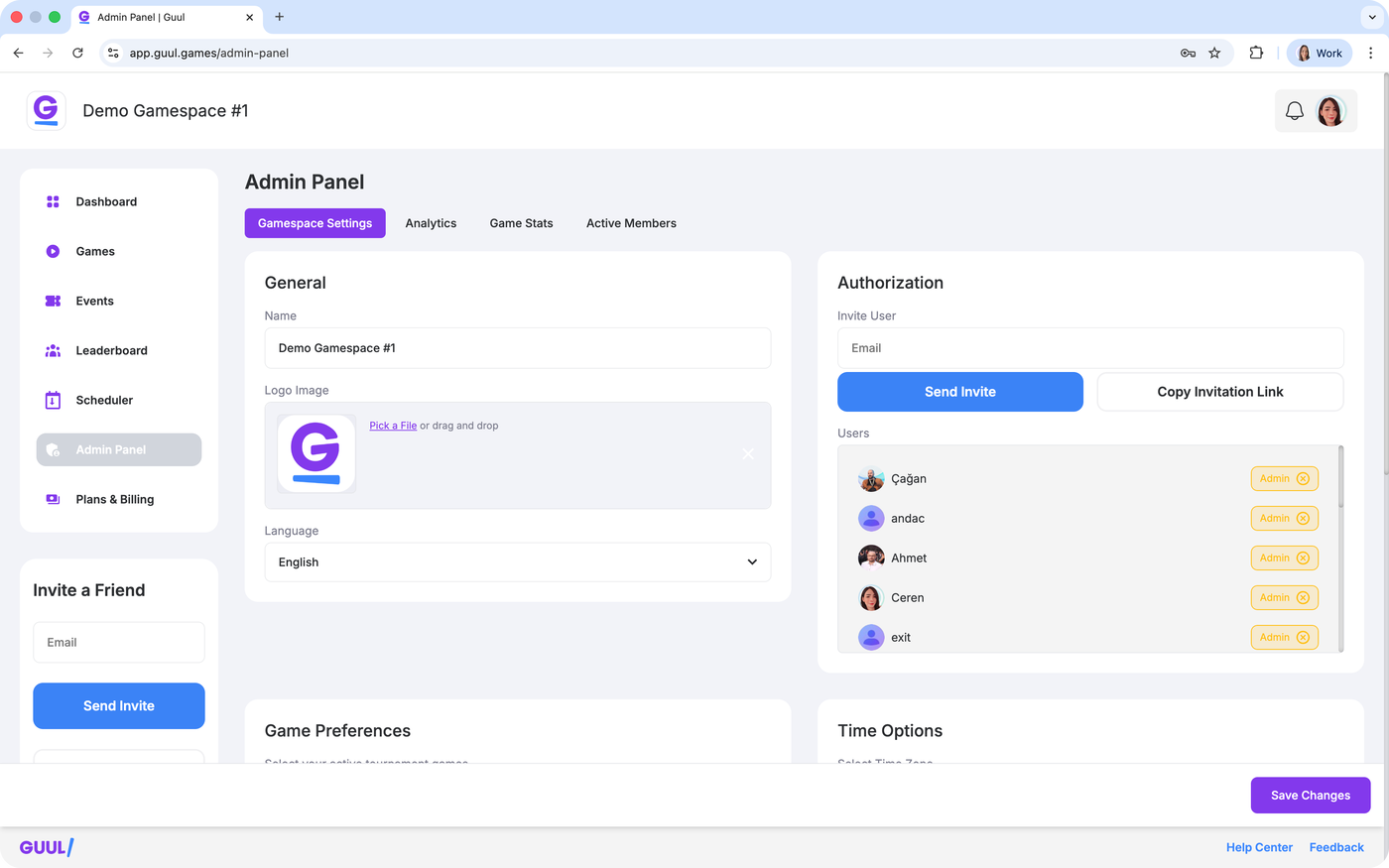
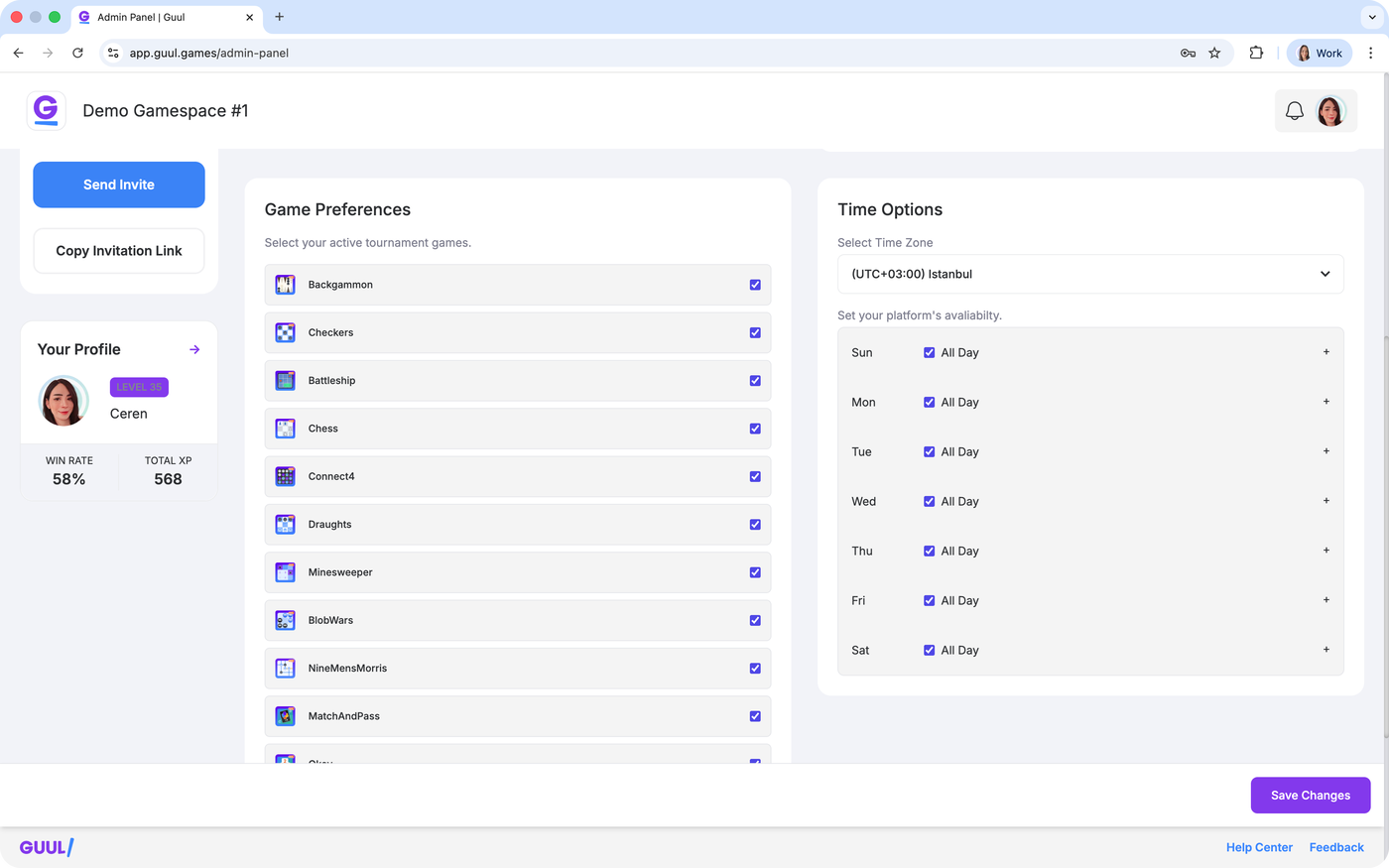
Gamespace Settings Tab:
Change the name, logo, or language of your Gamespace.
Set game preferences and time options.
Assign admin roles to other members.
Analytics Tab:
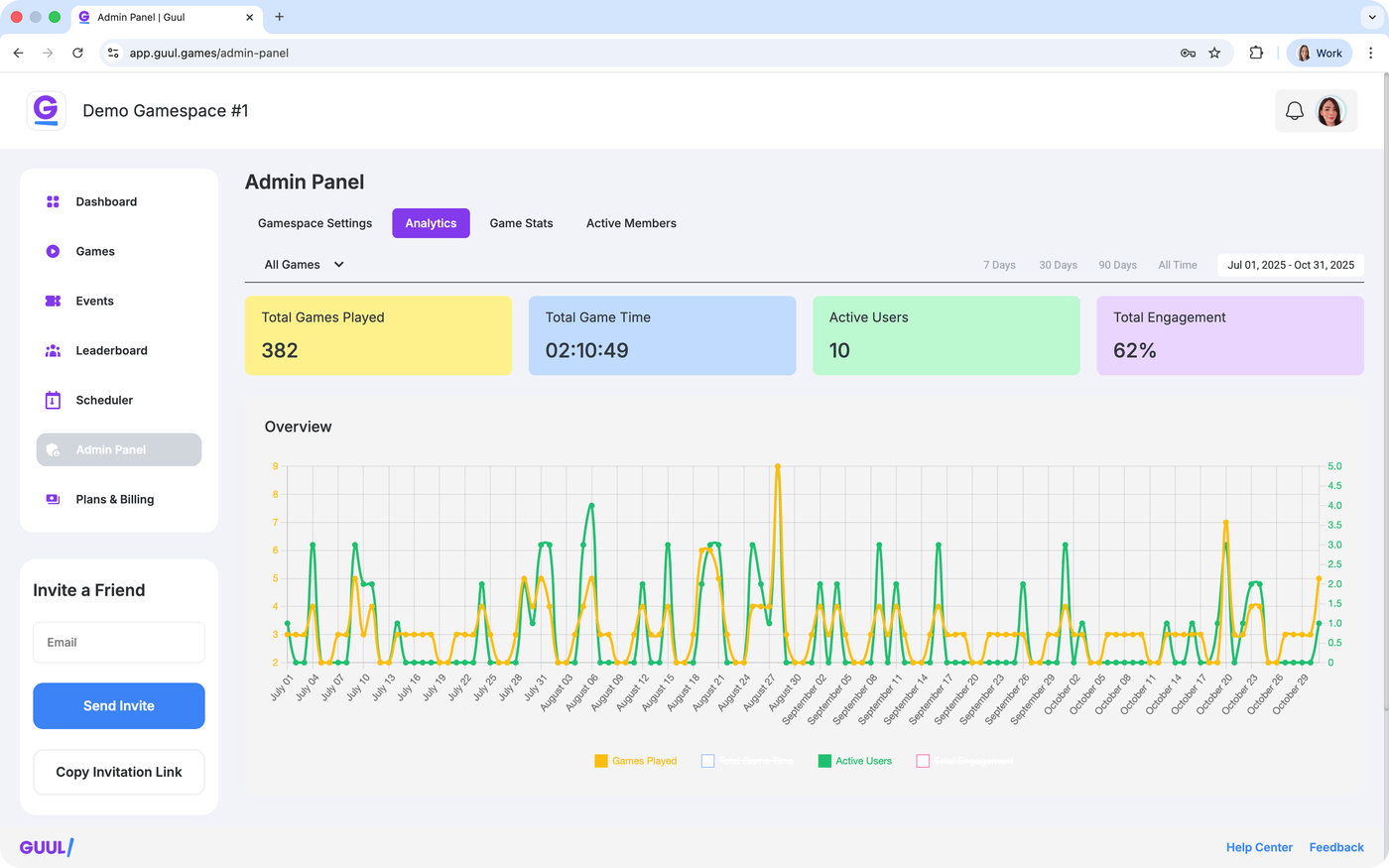
Access data related to your Gamespace, including the number of games played, active users, and more.
Game Stats Tab:
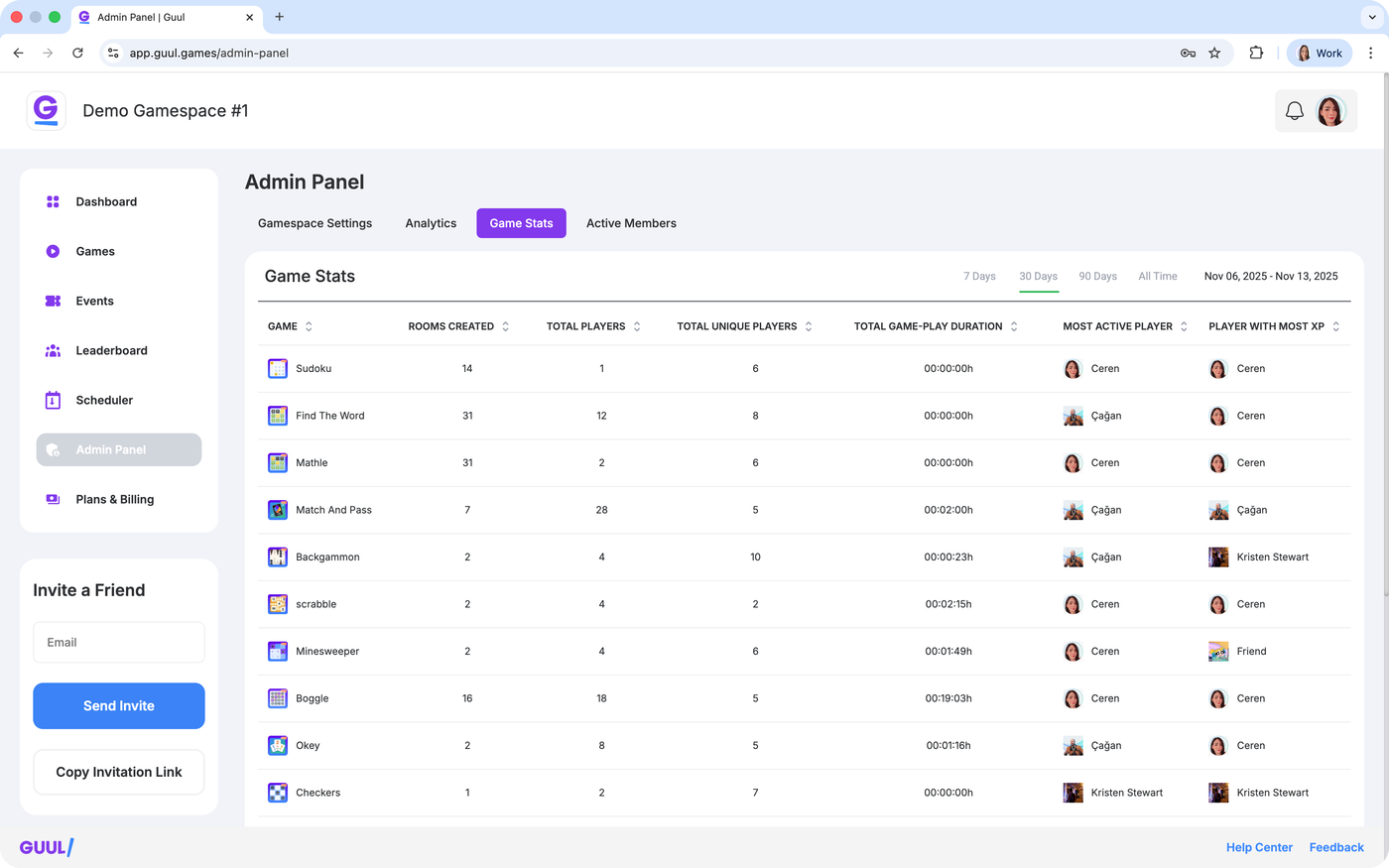
View stats for specific games, such as the number of rooms created and how many players participated in each game.
Active Members Tab:
Check the list of active members in your Gamespace and monitor participation.
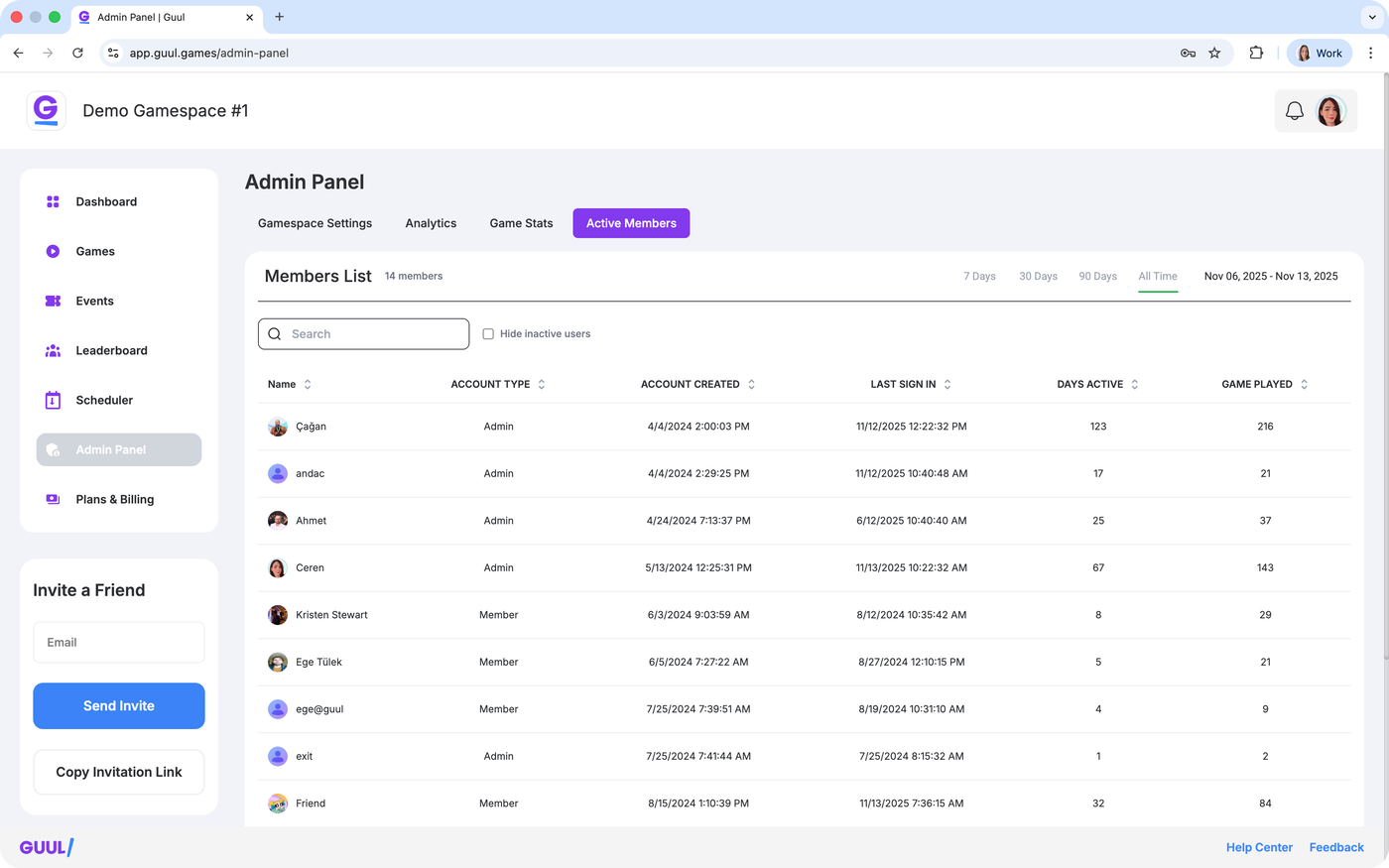
The Admin Panel is your one-stop solution for managing your Gamespace and ensuring that everything runs smoothly!
